Moodboard3D Modeling & Rendering3D Modeling3D RenderingWalkthrough Video360° RenderFurniture Layout PlanLoose Furniture DetailsRC PlanElectrical DrawingsAll Wall ElevationFlooring PlanPlumbing DrawingsAR Layout3D ElevationWall Working DetailsElevation & SectionD&W ScheduleColumn DrawingsBeam DrawingsFooting DrawingsSlab DrawingsSteel DetailsCenterline DrawingsMEP ElectricalMEP PlumbingMoodboard3D Modeling & Rendering3D Modeling3D RenderingWalkthrough Video360° RenderFurniture Layout PlanLoose Furniture DetailsRC PlanElectrical DrawingsAll Wall ElevationFlooring PlanPlumbing DrawingsAR Layout3D ElevationWall Working DetailsElevation & SectionD&W ScheduleColumn DrawingsBeam DrawingsFooting DrawingsSlab DrawingsSteel DetailsCenterline DrawingsMEP ElectricalMEP PlumbingMoodboard3D Modeling & Rendering3D Modeling3D RenderingWalkthrough Video360° RenderFurniture Layout PlanLoose Furniture DetailsRC PlanElectrical DrawingsAll Wall ElevationFlooring PlanPlumbing DrawingsAR Layout3D ElevationWall Working DetailsElevation & SectionD&W ScheduleColumn DrawingsBeam DrawingsFooting DrawingsSlab DrawingsSteel DetailsCenterline DrawingsMEP ElectricalMEP Plumbing
Wallarc Academy
Learn the Skills
Architecture Studios
Actually Need.
Industry-focused AutoCAD + SketchUp training with real project experience and career opportunities.
Practical Project TrainingPortfolio DevelopmentCareer Support Academy Training VisualAutoCAD · SketchUp · Real Projects Real ProjectsReal Experience Our Courses
Build industry-relevant skills with hands-on projects.
AAutoCAD
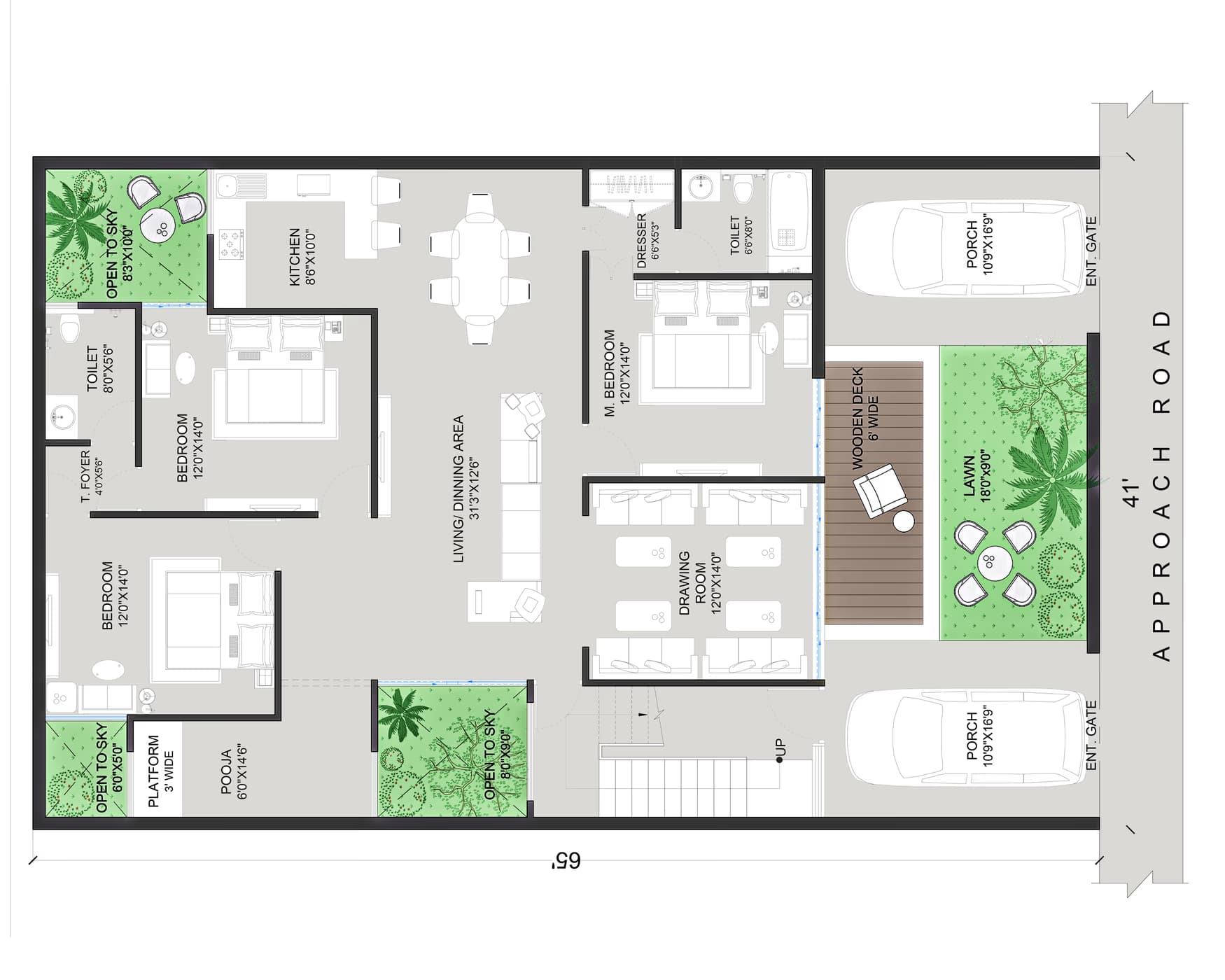
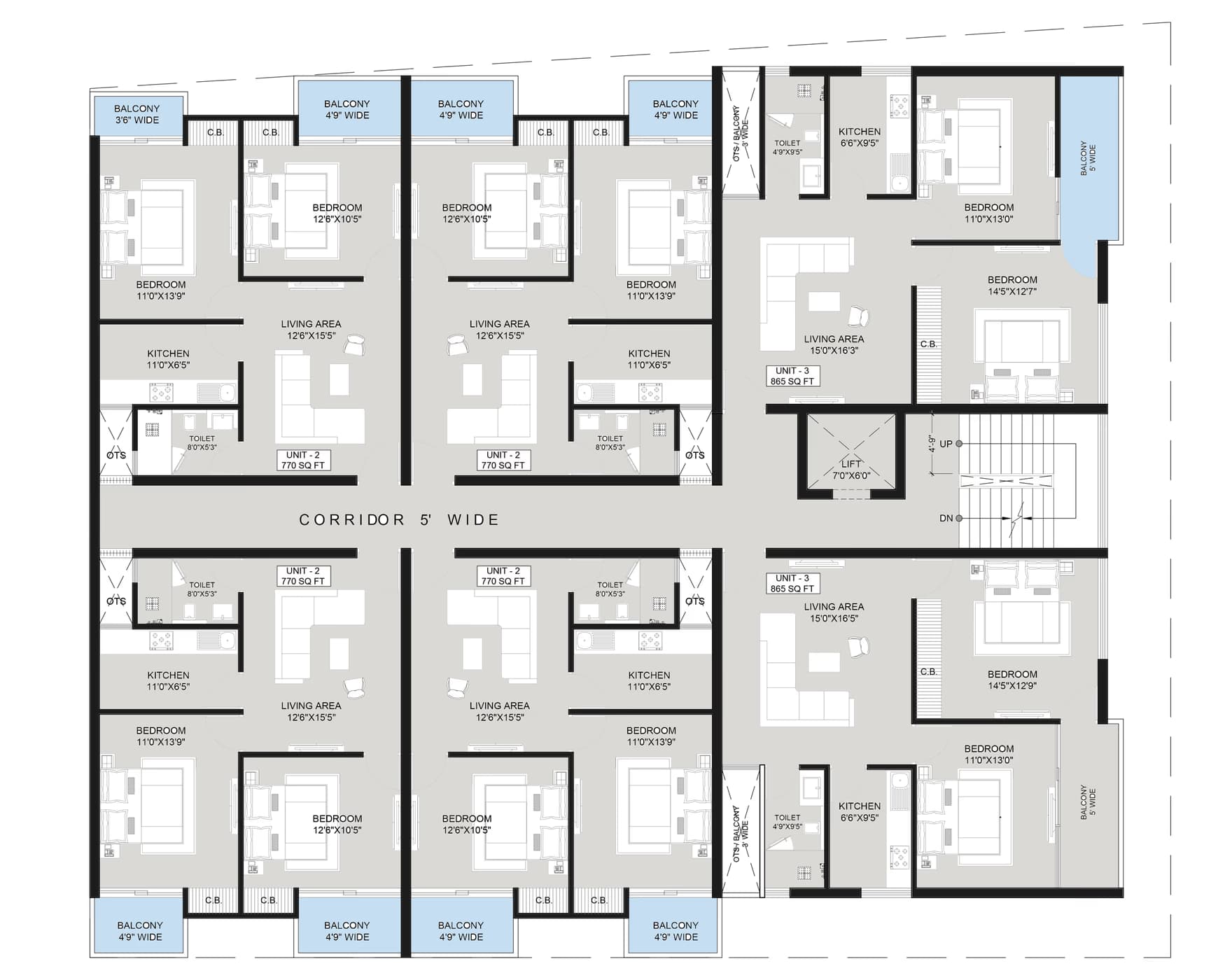
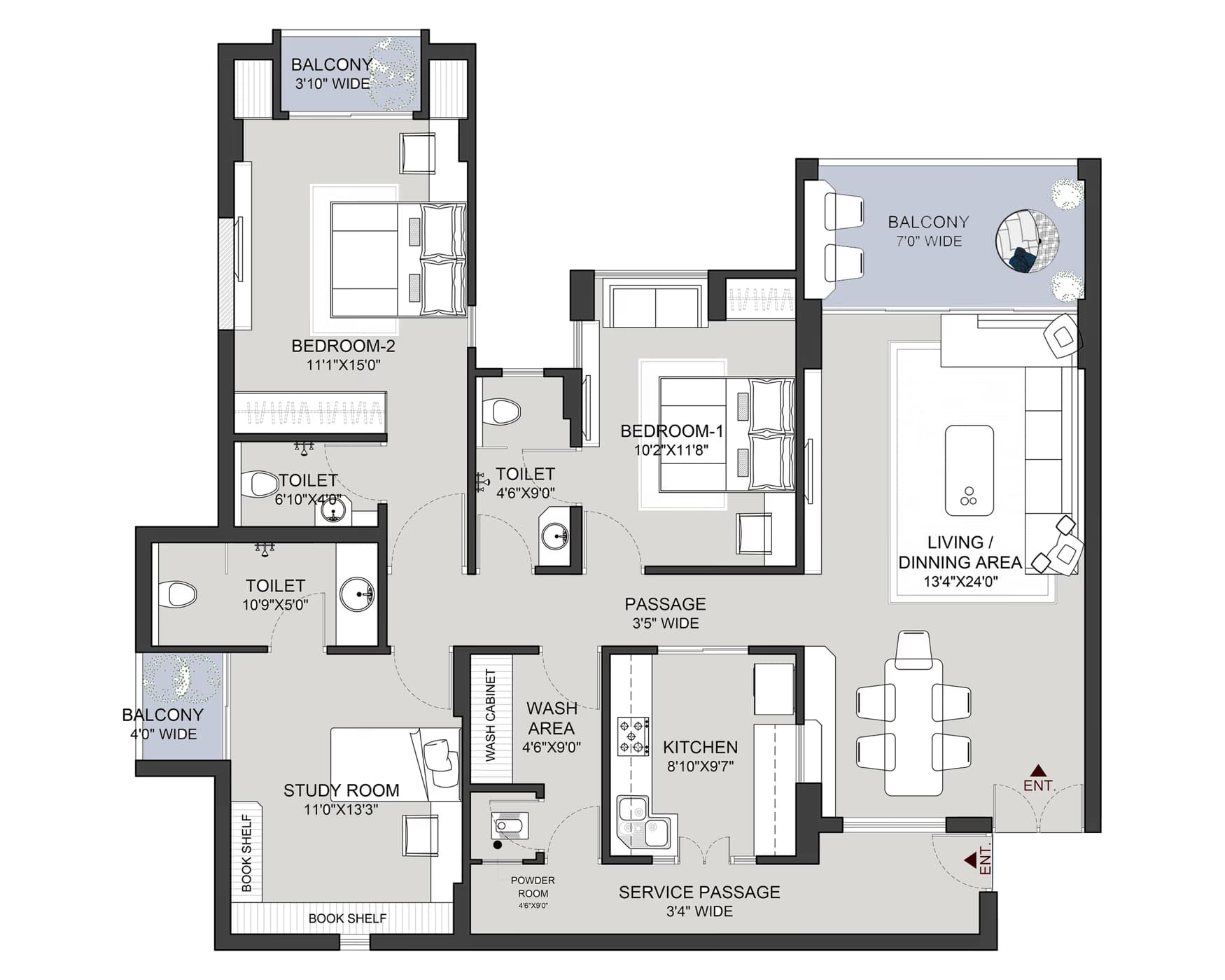
2D Drafting for Real Projects
- Architectural Drawings
- Working Drawings
- Layout Plans
- Schedules & Details
SSketchUp
3D Modelling for Real Spaces
- 3D Modelling
- Interior Modelling
- Material & Lighting
- Presentation Renders
Why Choose
Wallarc Academy?
More than a course—a complete learning experience built for real-world opportunities.
Real Project Training
Work on live, industry-style projects, not just software exercises.
Industry Mentors
Learn from professionals with real project experience.
Portfolio Development
Build a professional portfolio to showcase your work.
Career Opportunities
Get job opportunities in architecture and design studios.
From learning to career
100% Job Opportunity*
We connect trained students with real opportunities in architecture and interior design studios, including our own network at Wallarc.
LearnIndustry-relevant skillsBuildYour portfolioGet HiredJob opportunities Apply for Next Batch * Job opportunity based on performance and assessment.Next Batch Details
LocationLucknowCourse Duration2 MonthsBatch Size30 StudentsModeOffline (In Centre)Limited SeatsJoin now to secure your seatApply Now Wallarc Academy
Start Your Design Career with Real Skills.
Learn. Practice. Build. Get Opportunities.Apply for Next Batch